One connected operating system
Follow the client from first interest to the next visit.
Belom · Who it's for
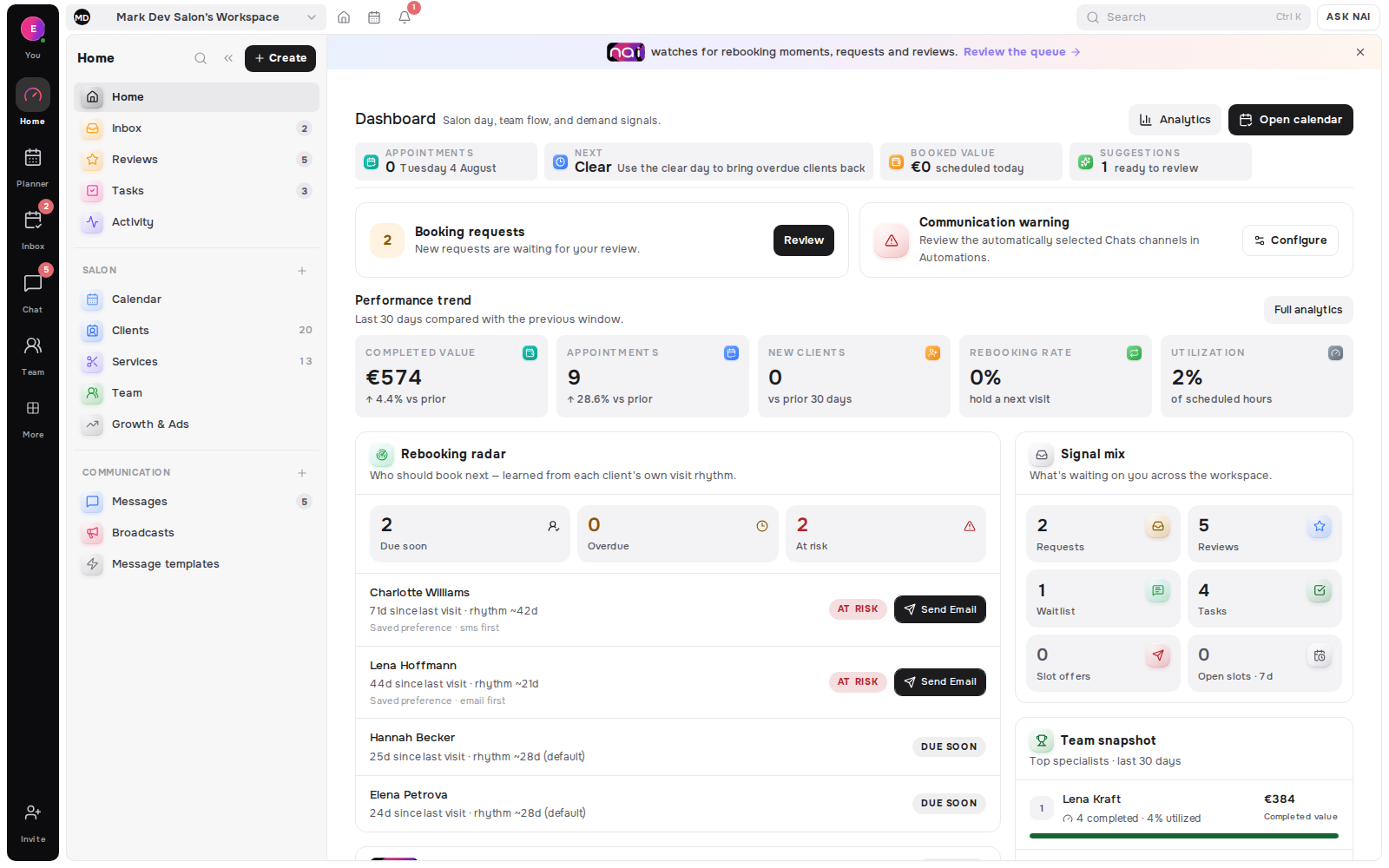
Belom gives each location its own operating frame-profile, contact details, timezone, hours and assigned team-inside one owner-scoped workspace. Shared client context and location-aware analytics make the network readable without flattening the differences between branches.
For service groups coordinating distinct branches as one business
The operating model
Multi-location operations need more than a calendar filter. A branch must publish the right hours and available people, the team must know which location owns the work, and leadership needs a network view that does not erase local conditions.
Each location can keep its identity, address, contact details, timezone, confirmed hours, assigned team and public booking page inside the shared workspace.
Explore Team & LocationsLocation and service assignments control where a specialist appears and which availability contributes to booking. A person who works across branches remains part of one team model.
The planner keeps the client, service, specialist, location and status attached when a booking is created or changed, while team views make branch capacity readable.
Explore Planner & CalendarAcross branches
Belom keeps clients in the owner-scoped workspace while locations retain their own schedule and team assignments. That lets an authorised teammate understand the relationship when a client visits another branch, without granting unrestricted access to every field or financial view.
Visits, preferences, notes, appointments and conversations remain connected to the client record. Roles and permissions decide which details a teammate can see.
Explore Client MemoryOwners, administrators, managers and specialists can begin with different scopes. Revenue visibility stays a separate control instead of following calendar access by default.
Analytics starts with bookings, returning clients and recorded collected money, then adds permission-aware filters and breakdowns for locations, specialists and services when more detail is needed.
Explore AnalyticsRollout conversations
A rollout should begin with the operating truth: locations, roles, services, hours, client ownership and the decisions each role may make. Belom’s enterprise route is the right place to discuss that shape before a wider deployment.
Decide who coordinates bookings, who can approve requests, who can read wider client history and who can see revenue before team members are invited.
Confirm each location profile and working week, then attach the specialists, services and local availability that should contribute to booking.
Use the enterprise page for a rollout conversation when the business has multiple branches, more complex permissions or an operating model that needs to be mapped first.
Discuss a multi-location rolloutPlan guidance
Studio 15 and Network 30 are the current published tiers most relevant to larger location structures, while Studio 5 can fit a smaller team shape. Exact specialist and location limits belong on the pricing page. For a staged or more complex rollout, use the enterprise route rather than inferring a plan from this overview.
Compare the live plan table for team size, locations, communication allowances and add-ons before deciding how branches should be grouped.
Compare current plansReview the product directory to connect location setup with services, booking, requests, messages, client memory and reporting.
Explore all productsStart a workspace to explore the model, or review the workflow before a broader multi-location rollout conversation.