One connected operating system
Follow the client from first interest to the next visit.
Broadcasts & Automations
For a deliberate campaign, NAI can draft wording that the professional reviews and approves. Separately, an owner can enable rule-based reminders or rebooking messages that send by themselves within consent, cooldown and daily-contact limits.
No card requiredFree plan included

Approved NAI drafts and owner-enabled automatic rules
A professional selects an eligible audience, asks NAI for a first message, edits the wording and approves the campaign before delivery starts.
For a repeatable event such as a timed reminder or due rebooking client, an owner-enabled rule can send without a fresh approval for every message.
Consent, opt-outs, reachability, contact cooldowns, plan quotas and the configured daily client cap are checked before automatic outreach.
Queued, sent, skipped and failed results remain in the delivery history instead of disappearing into a background job.
Campaigns handle a deliberate audience. Automations handle a repeatable event. Both keep the relationship in the decision.
Campaign composer
Choose email or SMS, narrow the owner’s client directory, use NAI for a first draft when useful and preview eligible and excluded recipients before approval.
Client data
Build from all clients, saved groups or exact selections, then narrow by status, tags and the presence of fields such as visit history or contact details.
Repeatable timing
Booking confirmations, cancellations, timed reminders and rebooking outreach use stored rules, client reachability and the owner’s enabled channels.
Controlled delivery
Broadcasts enforce marketing consent and opt-outs. Automated delivery follows enabled channels and uses the client’s saved language before the workspace default.
From memory to message
Compose
Start from the client directory, select the campaign channel, write the message and see how many matched clients are eligible before delivery begins.
Select
Use all clients, saved groups or a specific selection, then add filters from owner-scoped Client Memory without exporting a second database.
 Camille LaurentGel services
 Mia NakamuraGel servicesDDaniel BrooksGel servicesNothing was exported to build this segment
Return
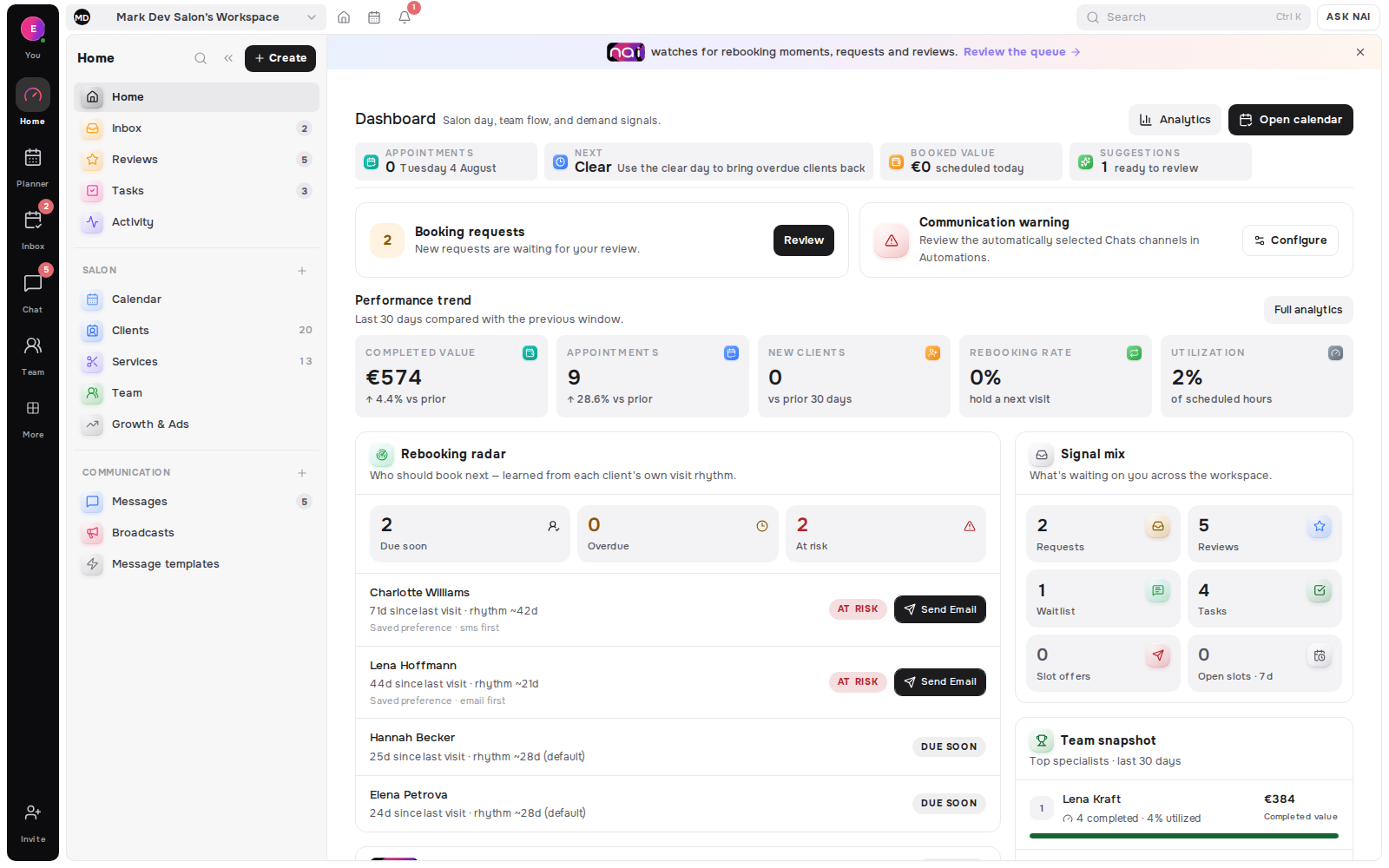
When Rebooking Radar marks a client due, overdue or at risk, the enabled rule can prepare outreach while contact cooldowns, consent and reachability stay in force.
 Amara Okafor
Reach
Email remains the required base for core booking automations, while enabled SMS and connected Telegram, Instagram, Messenger or WhatsApp routes can join the rule when the client is reachable.
Transparent capacity
Every tier includes a monthly email quota that can be used for campaigns. One-off email and SMS packs add capacity without changing the audience workflow.
70
emails per month on Free · campaigns included
500
emails per month on Pro · campaigns included
5,000
emails per month on Studio 15 · campaigns included
€2.90
email top-up per 1,000 · one-off
Only clients opted into marketing enter a broadcast audience.
Email and SMS preferences are checked again at delivery.
See matched, eligible and excluded recipients before sending.
Choose named clients when the campaign should stay focused.
Keep wording by event, channel and supported language.
Timing rules, daily limits and cooldowns govern automation.
Sent, queued, skipped and failed outcomes remain visible.
Top up email or SMS without replacing the core plan.
The Belom platform
Belom keeps the planner, client history and approved communication connected in one place.
Groups, tags, consent and language
Due, overdue and at-risk timing
Connected routes and delivery history
Wording by event, channel and language
Campaign and delivery outcomes
Belom does not turn an imported address into marketing consent; eligibility and opt-outs still decide who can receive a broadcast.
Built-in sending limits, cooldowns, quotas and daily client caps protect the relationship even after an owner enables a rule.
A queued message can still be skipped or fail when a channel, entitlement, address or provider is unavailable.
Built around your results
NAI-assisted campaigns wait for approval. Automatic rules run only after an owner enables them and remain inside sending protections.
Every returning client, filled slot and hour saved adds to the value of your subscription.