One connected operating system
Follow the client from first interest to the next visit.
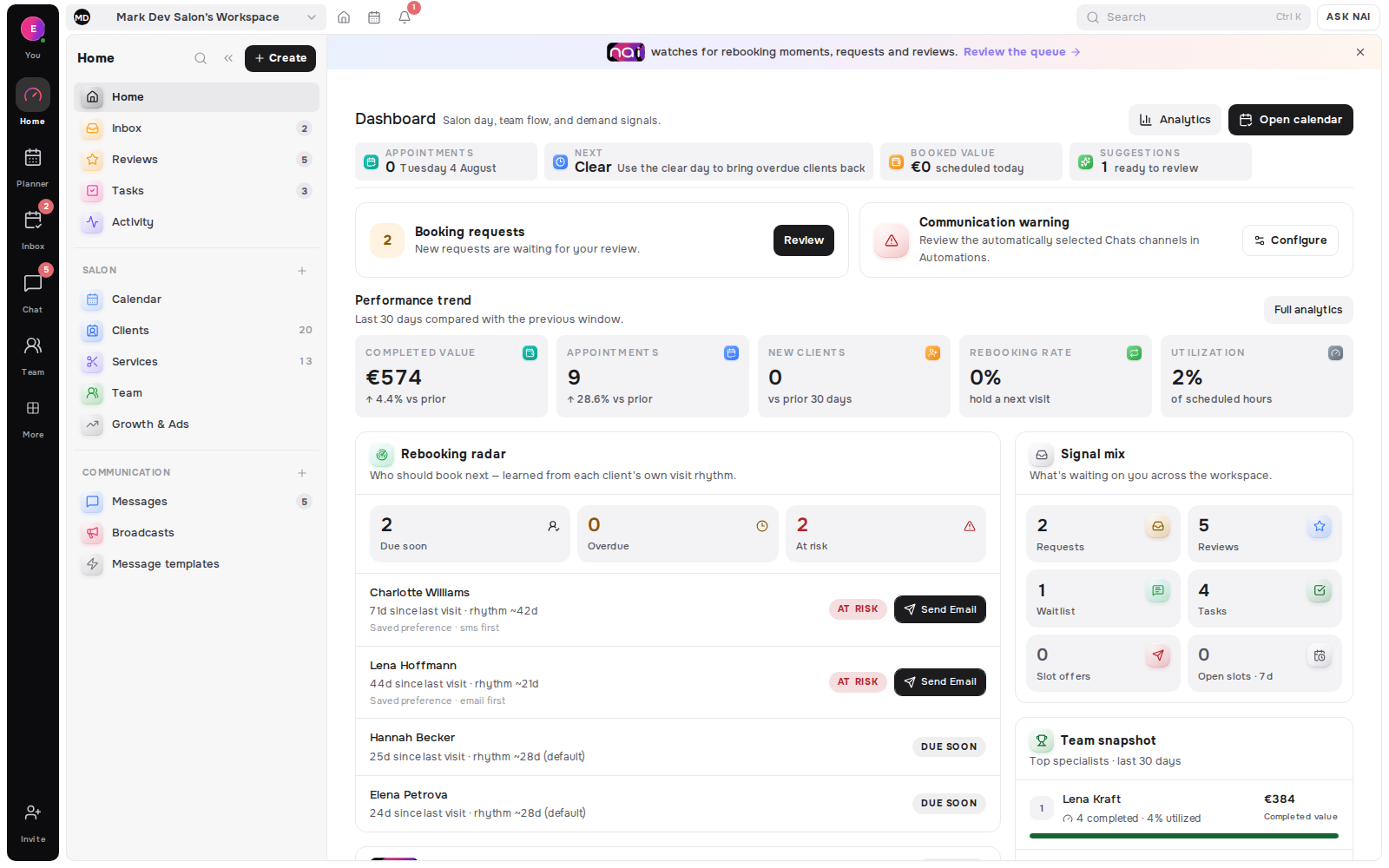
Requests & Waitlist
Bring booking requests and waitlist demand into one queue, decide with the client’s history in view, and leave a shared activity trail the team can trust.
No card requiredFree plan included

Owners and front desks that decide the day
A client submits a requested service and time through the public profile or booking flow, with contact details for the reply.
The queue keeps the requested service and slot beside visit counts, future bookings and the owner-scoped client record.
Approve after a live slot check, propose another service or time, or decline. The decision and delivery attempt stay in Activity.
Public booking is included with every core plan. Email is the reply baseline; enabled usable channels may be added by the workspace rules.
Requests, waitlist entries and slot offers stay connected as demand moves between the client and the team.
One queue
Requested service and time sit beside visit counts, future bookings and a direct client-record link, so the team can decide without opening another workspace.
 Camille LaurentRequested serviceGel extensions · 90 minRequested timeThu 18 Sep · 15:00SourcePublic profile
Guarded decisions
Confirm a valid request, decline it or propose another service and time. Approval rechecks the slot before it creates an appointment.
Demand retained
Service, specialist, location, preferred days and preferred time remain attached while an entry moves from open demand to an offered slot.
 Noor Singh
Shared accountability
Approvals, declines, proposals, reschedules, offer events and delivery attempts land in the same permission-aware activity feed.
From ask to outcome
Pending to decided
A client request enters with the requested service and slot. Approve it to create the appointment, decline it or send an alternative when the original ask cannot work.
Camille LaurentOpen to closed
A waitlist entry starts open, moves to offered when a matching slot is sent and closes when the demand is finished.
 Mia Nakamura
Client beside ask
Requested service and time stay beside visit counts, future bookings and the client record, so the answer fits both the calendar and the client.
Shared history
The Activity view combines delivery and audit events for the whole workspace or one selected item.
 Approved a booking requestDelivered
 Offered a freed slotSent
 Proposed another timeQueued
Where asks begin
Profile booking, booking links, profile requests, growth leads and booking-change flows all preserve their source as they enter the workspace.
 Amara OkaforBooking linkPending
3 outcomes
confirm, propose or decline a request
3 states
open, offered and closed waitlist demand
1 feed
for decisions, delivery and audit
€0
to start, no card required
Approval validates the target again before creating a booking.
Offer another service and time when the original ask cannot work.
Keep specialist, location, days and time window with waitlist demand.
Expired or declined offers return the entry to attention.
New requests and waitlist joins lead back to the shared inbox.
Let the front desk decide without exposing finance by default.
Confirmation and decline delivery attempts remain visible.
Read the whole workspace feed or the history of one selected item.
The Belom platform
Belom keeps the planner, client history and approved communication connected in one place.
Requests from public booking flows
Live slot checks and confirmed appointments
Guarded offers for freed time
Questions, proposals and delivery state
History beside every decision
Decision access without finance exposure
A booking confirmation names the service, date and time. Email is the required baseline; enabled connected channels can carry the same lifecycle update.
The client receives the proposed service, date and time with a private link to accept or decline the alternative.
The client receives a short cancellation message stating that the requested booking will not go ahead.
Belom does not guarantee a reply inside the browser or source surface. Delivery needs a resolved client and a usable contact rail, and remains best-effort after the decision commits.
Built around your results
The request stays visible even when a best-effort delivery attempt needs attention in Activity.
Every returning client, filled slot and hour saved adds to the value of your subscription.