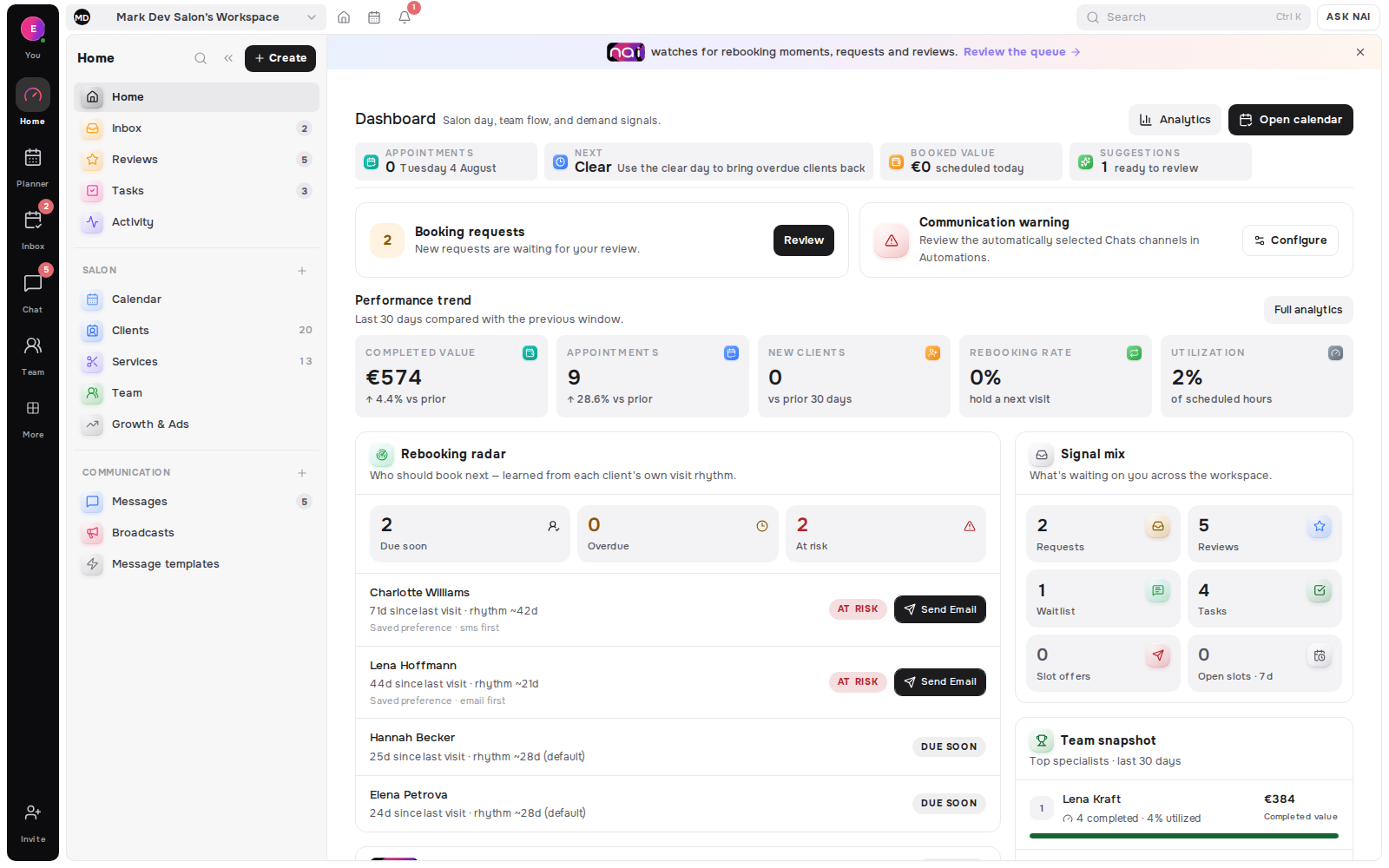
Your no-show rate is the number of no-shows divided by the number of appointments whose start time has passed, expressed as a percentage. The arithmetic takes a second. The definition is the hard part, and it is where the number quietly goes wrong.
We read the help documentation of eight booking products. They disagree about what a no-show is, about who records one, and about what belongs in the denominator. One of them removes no-shows from its performance reports rather than counting them. So before you compare your rate to anyone else's, you need to know which of these you are measuring.
Key takeaways
- The denominator is bookings whose start time has passed. Cancellations made in good time belong outside it, because nothing was lost.
- Track three numbers, not one: no-shows, late cancellations, and the two added together.
- Of eight products we checked, one publishes a formula for the rate. The rest give you a list to count by hand.
- A no-show is a status in some tools, a checkbox inside cancelling in another, a colour in a third, and a label the reports ignore in a fourth.
- Marking follows money. Where the mark saves or costs the business something, it gets made.
The formula, and the part people get wrong
Write it this way:
No-show rate = no-shows ÷ bookings whose start time has passed × 100.
A no-show is a booking that reached its start time, was not cancelled or moved before that time, and was not attended. Three conditions, all of them checkable.
The denominator is where the errors live. Two habits ruin it. The first is dividing by every booking ever made, including next month's, which drags the rate down as the calendar fills. The second is dividing by completed appointments only, which drops the no-shows out of the bottom of the fraction and pushes the rate up. Use bookings whose start time has passed and both problems disappear.
Cancellations need a rule of their own. A client who cancelled a week ahead cost you nothing you could not refill, so that booking stays out of the denominator. A client who cancelled forty minutes ahead cost you the slot, so it stays in. The line between those two is your cancellation window, which is one more reason to have written one down.
Three rates, not one
Most arguments about no-shows are really arguments about which of three numbers is being quoted. Separate them and the conversation gets shorter. Consider each one on its own before you add anything up.
| Rate. | What it counts. | What it tells you. |
|---|---|---|
| No-show rate. | Did not cancel, did not arrive. | How often people simply vanish. |
| Late-cancellation rate. | Cancelled inside your window. | How often people tell you, but too late. |
| Lost-slot rate. | Both of the above, added. | How much of your week was actually paid for. |
The third one is ours, and it is the one worth putting on the wall. A business with few no-shows and many late cancellations feels well-behaved and still loses the same hours. The client who cancels at nine in the morning has been more polite than the one who never writes. Your day is equally empty.
What your software calls a no-show
Here is the uncomfortable part. The record you are counting was not produced by the client. It was produced by your software's model of the event, and by whoever did or did not press a button afterwards.
In Fresha the no-show is a status of its own, and "appointments can only be marked as no-shows after the scheduled start time has passed" (status documentation). In Acuity it is not a status at all: you reach it through cancelling, by clicking "Cancel", ticking "Mark as no-show", then confirming (no-show documentation). In Setmore it is one of a set of labels that are "just visual tags to help you sort and scan your calendar faster" (label documentation).
Phorest does not ask you to mark anything. An appointment "turns gray on your calendar once the current time has surpassed the appointment end time" if the client "is not checked in or the appointment is not paid for" (calendar documentation). The no-show is inferred rather than recorded, which means the same guide warns you to check clients in "upon arrival; otherwise, it may be difficult to differentiate No Show appointments from others" (same guide).
[ORIGINAL DATA] Eight products, eight definitions, one formula
Methodology. On 20 August 2026 we read the public help documentation of eight booking platforms, in English. We looked for three things. Does a no-show have a record of its own? What creates that record? And does the product publish a rate with a stated denominator? We took only what each vendor's own documentation states, and quoted it. Sample size: eight products, twelve help articles, all last updated between October 2024 and August 2026.
| Product. | What a no-show is there. | What creates the record. | Rate published. |
|---|---|---|---|
| Fresha. | A status of its own. | Staff, only after the start time. | Yes. |
| Square Appointments. | A marked state on the appointment. | Staff, from the appointment page. | No. |
| Vagaro. | A status of its own. | Staff, adds to a per-client total. | No. |
| Acuity Scheduling. | A tick box inside cancelling. | Staff, while cancelling. | No. |
| Timely. | A status called "did not show". | Staff, from the appointment editor. | No. |
| Phorest. | An inferred state, shown as grey. | The clock, plus what staff did not do. | No. |
| Setmore. | A label, described as a visual tag. | Staff, for their own eyes only. | No. |
| Booksy. | A mark documented in a billing article. | Staff, best done the same day. | No. |
One product publishes a formula. Fresha's performance summary defines "% No show appointments" as "No show appointments/Total appts" (report documentation). It is the only stated denominator we found, and "total appts" is itself left undefined.
One product removes them instead. Square's team performance report carries client retention, pre-booking and schedule utilisation, and states that "these metrics only include appointments that aren't canceled or marked as no-show" (reporting documentation). Marking a no-show there does not raise a rate. It deletes the appointment from the measurement.
The rest hand you a list. Vagaro's report exists "to see appointments that were denied, canceled, deleted, or marked as no-shows in a date range" (report documentation). That is four different events in one table. You separate them yourself before any division is possible.
And in one product the instruction to mark is financial. Booksy documents the marking inside its advertising pricing page (pricing documentation). It reads: "the commission for Boost is charged only for visits that actually took place". The advice that follows is to "mark them as a no-show the same day as the appointment to avoid getting charged the commission".
[UNIQUE INSIGHT] Put those two last findings side by side and you get the reason no-show statistics are so unreliable. In Booksy, marking a no-show saves the business a commission, so it gets marked, and marked promptly. In Square, marking one removes the appointment from the reports that measure the business, so the incentive runs the other way. In Phorest nobody marks anything at all: the grey appointment is produced by a member of staff forgetting to check somebody in, which is a measurement of your front desk rather than of your clients. None of these products is doing anything wrong. Each has made a reasonable design choice. But it means a no-show rate is not a fact about your clients that happens to be stored in software. It is a fact about the software, the incentive attached to the button, and the habits of whoever presses it. That is why an industry average is close to useless: you do not know which of these eight worlds it came from. What is portable between businesses is not the number but the tuple - the numerator rule, the denominator, and who marks it and when. Publish those three alongside any rate you quote and it becomes comparable. Quote the rate alone and it means almost nothing.
A worked example
For example, take a month with 200 bookings whose start time has passed.
- 14 clients did not come and did not write.
- 9 cancelled inside the window, most of them on the morning.
- 22 cancelled with several days' notice, and 11 of those slots were refilled.
The no-show rate is 14 divided by 200, which is seven per cent (our worked example, August 2026). The late-cancellation rate is 9 divided by 200. The lost-slot rate is 23 divided by 200, which is a little under twelve per cent of the month.
The 22 well-mannered cancellations stay out of every one of those fractions. They were not lost to you in the sense the metric is trying to capture, and folding them in would produce a frightening number that tells you nothing you can act on.
What the number is for
A rate is only useful if it changes a decision. Three decisions it can drive:
Whether to act at all. A lost-slot rate under five per cent of passed bookings is noise. Chasing it costs more goodwill than it returns.
Which lever to pull. High no-shows with low late cancellations means people are not seeing your reminders. The reverse pattern means they see them but cannot reach you easily, such as when replying needs an email rather than one tap.
Who to treat differently. Two no-shows from one client is a pattern. Two no-shows spread across a hundred clients is weather.
Watch the trend in your own numbers rather than the gap to somebody else's. Your definition is at least stable, which is more than can be said for the comparison.
Definitions used in this article
A no-show is a booking that reached its start time, was not cancelled or moved beforehand, and was not attended.
A late cancellation is one made inside the cancellation window, which is a different event from a no-show and should be counted separately.
The denominator here is bookings whose start time has passed, which excludes future bookings and cancellations made in good time.
The lost-slot rate is no-shows plus late cancellations, divided by the same denominator, and is the figure that matches the money.
An inferred no-show is one the software derives from the clock and from missing check-in data, rather than one a person recorded.
FAQ
How do you calculate a no-show rate?
Divide the number of no-shows by the number of bookings whose start time has passed, then multiply by 100. Keep future bookings and well-timed cancellations out of the denominator.
What counts as a no-show?
A booking that reached its start time, was not cancelled or moved before it, and was not attended. If the client cancelled at any point beforehand, it is a cancellation, however late.
Should late cancellations be counted as no-shows?
No. Count them separately, then add them together as a lost-slot rate. Merging the two hides which of the two problems you actually have.
What is a normal no-show rate?
There is no portable answer, because the eight products we checked define the event differently and only one publishes a denominator. Booking horizon alone moves it enormously: one analysis found 9.1% (lead-time analysis, 2015) within two weeks against 38.3% (same analysis) at six months.
Does my booking software calculate this for me?
Probably not. Of the eight we read, Fresha publishes a percentage with a stated denominator and the others give you a list of events to count yourself.
What if staff forget to mark no-shows?
Then your rate reads low, and in one product it reads high instead, because an unmarked arrival is treated as an absence. Decide who marks, and make it part of closing the day.
Where this fits
What to do once you know the number is in how to reduce no-shows without punishing good clients, and the wording that goes with it is in the 24-hour and 48-hour cancellation templates. For the neighbouring metric with the same definition problem, see rebooking rate versus client retention.
Where booking outcomes are counted in Belom is booking and revenue analytics.
Editorial note: written by the Belom product team from vendor documentation read in full, not from vendor marketing. More about Belom, or contact us with a correction. Reviewed 20 August 2026.